

Quick Start Guide
1
Install the receiver module
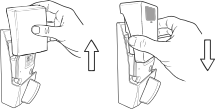
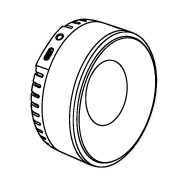
Remove the existing battery cover from your Schlage Encode and take out the AA battery pack. Slide in the Wi-Charge receiver module until fully seated.
2
Place the transmitter
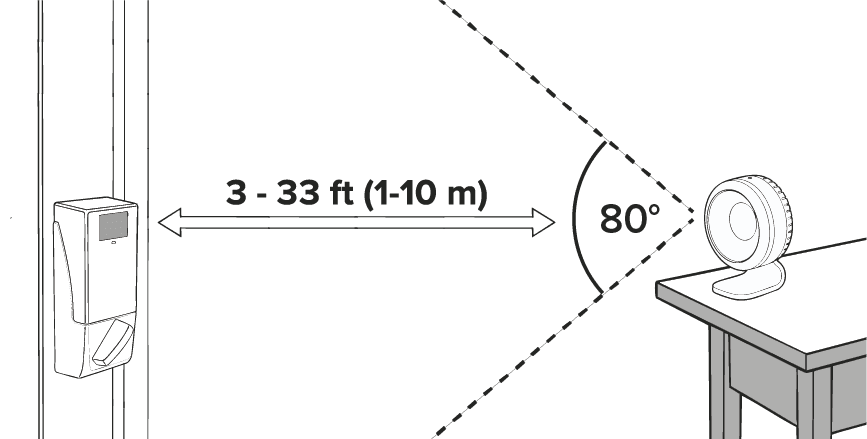
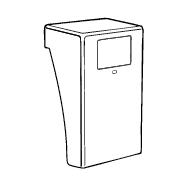
Set the transmitter 3-33 ft from the lock. Aim it toward the lock and keep the front unobstructed. Maintain a clear line of sight.
3
Plug it in
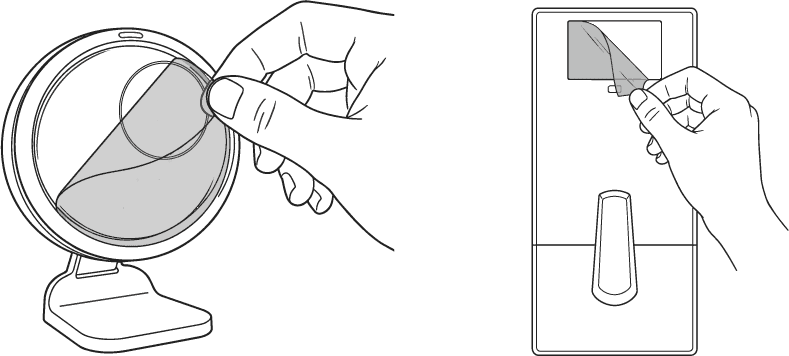
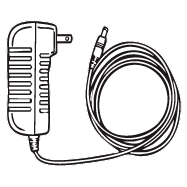
Remove any protective film from the transmitter and receiver. Connect the power adapter to the transmitter, then plug it into the wall. The light turns white while it searches.
4
Wait for blue light
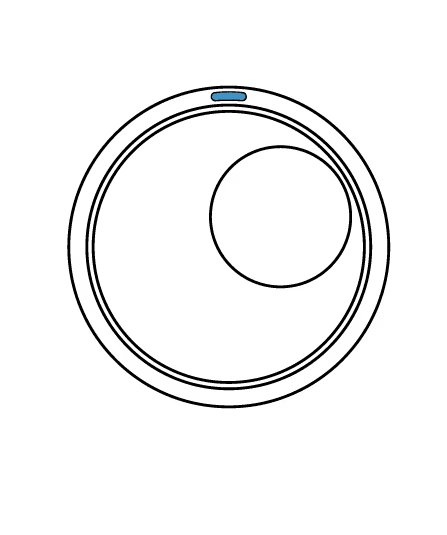
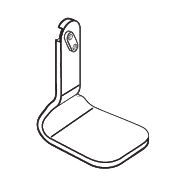
The transmitter may take up to 10 minutes to lock on. When the light turns blue, it's charging the lock. Use the double-sided tape under the stand to secure it in place.
What's in the Box
Status Lights Reference
Transmitter (R1)
White — Searching for receiver
Blue — Locked on, actively charging OR battery fully charged
Red — Error
Receiver Module
LED off — Normal operation
Red (blinking) — Battery below 20%
Troubleshooting
Still need help?
Our support team is here for you. Reach out and we'll get back to you within one business day.
Email Support